

Remote work is becoming more common. This means you need a professional background for video calls in your rental. The background you show can greatly affect how others see you and how well you communicate. Luckily, you don’t need to do big renovations to get a great background.
With a little creativity and planning, you can turn your space into a nice home office. This guide will show you how to pick a background that shows your personality but also looks professional.
Understanding the Importance of a Video Call Background
When you’re on video calls, your background is very important. It shows how others see you, which is key in work settings. A good background can make a strong impression, showing you’re professional.
First Impressions Matter
First impressions are everything. A neat background shows you’re confident and skilled. People judge your professionalism by what they see behind you. A nice background helps them see you in a good light from the start.
Creating a Professional Image
Your background helps shape your professional image. It shows your values, attention to detail, and style. Choosing simple decor shows you’re serious about your work, making you more credible.
Reducing Distractions
A good background helps avoid distractions. Cluttered spaces make it hard to focus. By picking the right background, you keep the conversation flowing smoothly. This makes talking easier and more effective.
Choosing the Right Location in Your Rental
Finding the perfect spot for your video calls is key. First, pick a wall that fits your needs. Look for a spot where the wall is clean and free from distractions. This will make you look better on camera.
Stand in front of the wall and check how it looks on your device’s camera. If the wall is too busy or makes you hard to see, try another spot.
Find a Suitable Wall
The wall you choose matters a lot. Opt for solid colors or simple patterns. This keeps the focus on you, not the background.
Make sure the wall isn’t too cluttered with shelves or art. A simple design is best. Also, think about how colors affect your look on camera. Lighter colors are often more welcoming.
Consider Lighting Conditions
Lighting greatly affects how you look on video calls. Natural light is best, so try to face a window. This gives you a bright, flattering light.
If natural light is scarce, use artificial lights. A ring light or softbox can provide good lighting. But avoid backlighting, as it can make shadows and look bad.
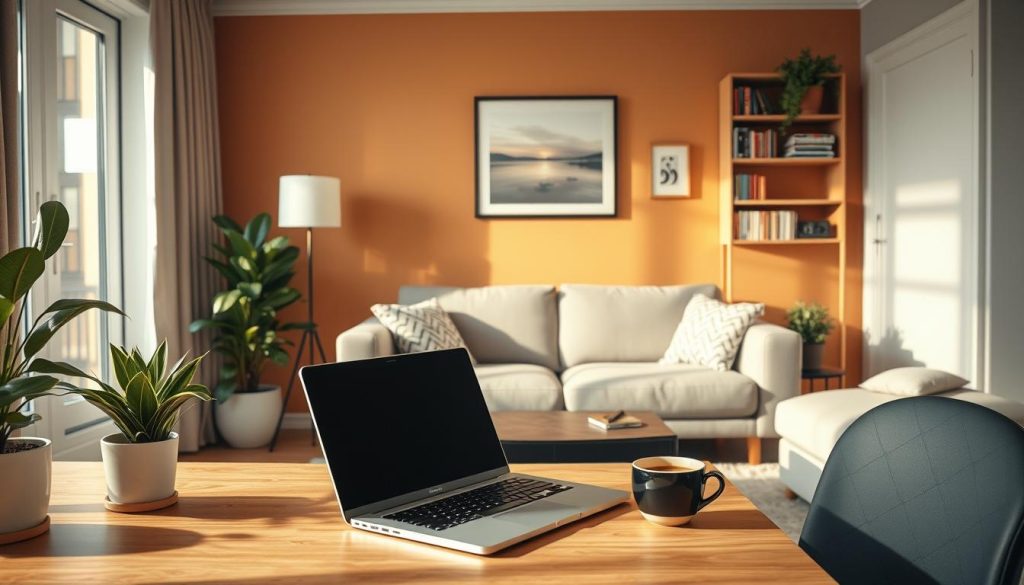
Designing Your Rental-Friendly Home Office
Creating a welcoming and useful space for video calls can boost your professional look. Think about how to highlight focal points and add personal touches. This mix will make your background interesting and show off your style.
Focal Points That Shine
Focal points are key to adding visual interest to your backdrop. A stylish bookcase with colorful books or decorations is a great eye-catcher. Art or a well-arranged wall gallery can also make your space look more professional. Try out different setups to find what works best for you.
Incorporating Personal Touches
Adding personal touches makes your office more engaging. You could display travel mementos, framed photos, or inspiring art. These items not only look good but also start interesting conversations during calls. They show who you are and what you like. Make sure to balance these with useful furniture to keep your space both beautiful and practical.
Styling Tips for Your Video Call Background
Styling your video call background can greatly impact how you appear. Accessories are great for adding visual interest. They can turn a simple space into a lively setting. Choosing the right items will make you look good while keeping things professional.
Creating Visual Interest with Accessories
Decorative objects like vases, books, or plants can spice up your background. Each item should show your personality but also keep things tidy. Framed artwork or photos can add color and meaning. Try to arrange things in a way that catches the eye but doesn’t distract from you.
Avoiding Clutter and Distractions
Keeping your background clean is key for a professional look. While accessories are good, too many can be too much. Pick out a few standout items instead of cluttering the space. This way, you’ll look neat and focused, helping you communicate better without distractions.
| Element | Impact on Background | Recommendation |
|---|---|---|
| Plants | Adds life and freshness | Choose easy-to-maintain varieties |
| Artwork | Creates focal points and interest | Select pieces that represent your style |
| Books | Suggests intellect and personal taste | Use closed books in neat arrangements |
| Lighting | Affects mood and visibility | Use soft, natural light where possible |
Conclusion
Working from home means your video call background matters a lot. A good space can make you look professional and help you communicate better. First impressions are key, so your background can shape how others see you.
Choosing the right spot, adjusting the lighting, and adding design touches can make your home office welcoming. This shows your style and professionalism. It’s important for making a good impression in virtual meetings.
An effective video call background is more than looks; it’s about your career. It shows your dedication and skill. So, improve your space and see how it boosts your remote work experience.
FAQ
Why is a good video call background important?
A good video call background makes a big difference. It shows you’re professional and credible. It also helps you focus and communicate better.
How can I find the best wall for my video call background?
Find a solid wall without distractions. Check how it looks on your screen with your camera. Adjust as needed for the best look.
What lighting should I use for my video call background?
Natural light is best, but artificial light works too. Avoid backlighting to prevent shadows and keep your face clear.
How can I incorporate personal elements without creating clutter?
Choose a few key items like plants or artwork. Keep your space organized and stylish. This shows your personality without being too busy.
What are some tips for adding style to my video call background?
Use focal points like bookcases or decorated walls. Pick accessories that match your style. Aim for interest without being too much.
Can my video call background reflect my personality?
Yes! Your background should mix work and personal touches. It should show who you are while looking professional to others.
